
Next
Familiarity in design: Essential for great UX
Design,
User Experience
28th Sep 2025


 Back
Back
22nd Dec 2025

Aaron Humphreys
Co-founder / Product Designer
Insights
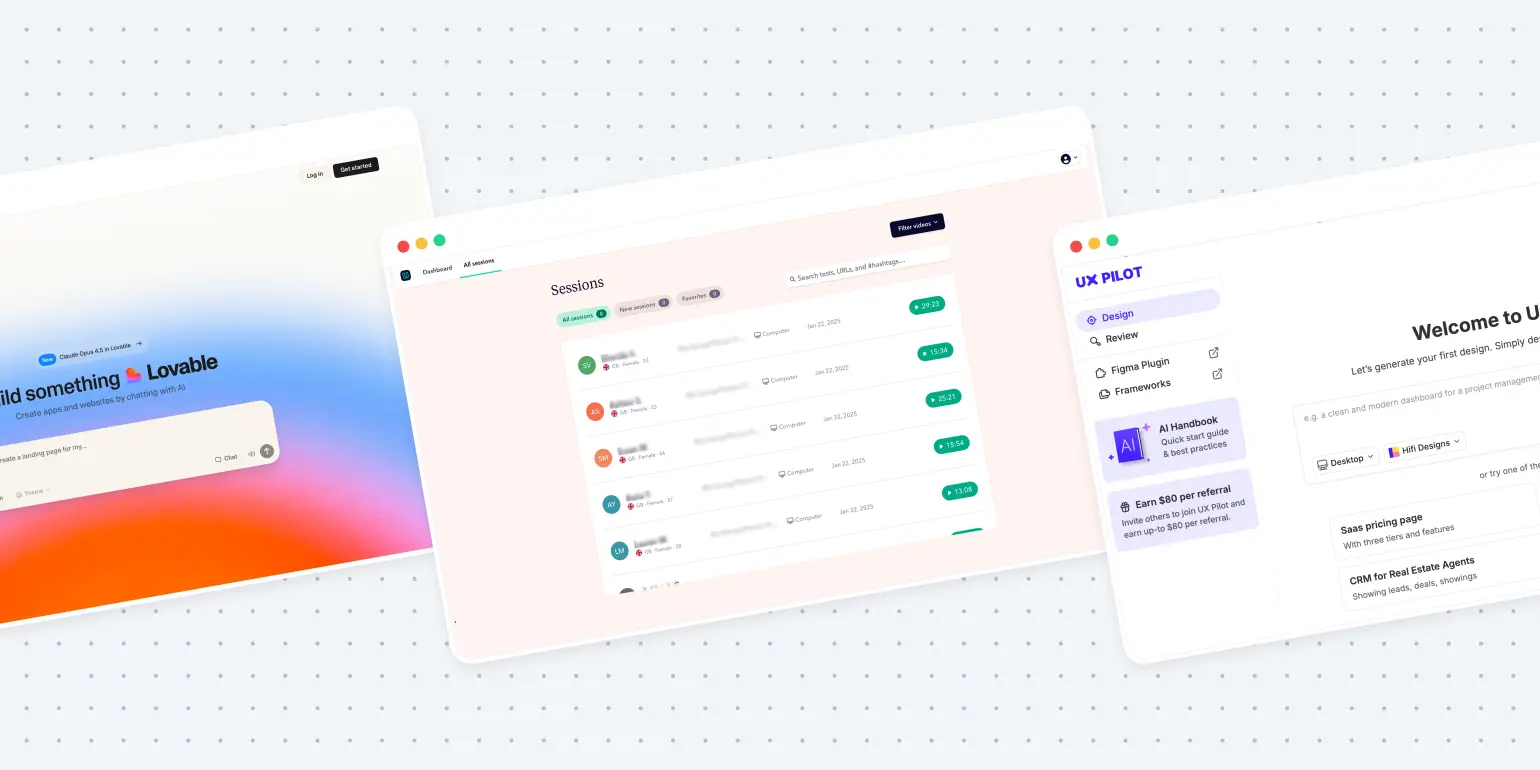
If you work in UX design, you know that the tools you use and the pace at which you work are constantly evolving. Right now, one shift is making more impact than any other: AI. Artificial intelligence isn’t just another tool in your kit – it’s fundamentally reshaping how we do our jobs, solve problems, and deliver experiences. Long gone are the days of painstaking, manual processes for every deliverable. We’re in a new era where speed, data, and creativity collide – if you know how to harness AI.
But let’s get this out of the way upfront: “UX design is dead” is a provocative take for sure. What’s really happening isn’t the death of UX design – but the death of slow, inefficient processes. The field is being reborn, supercharged with AI. Here’s how you can use AI to make your UX practice not just better, but future-proof.
Jump to:
Why AI matters in UX – and what it doesn’t replace
Speeding up user research with AI
Prototyping: from weeks to days (or minutes)
Testing and auditing at scale
Real concerns: creativity isn’t dead
Harnessing AI as your creative partner
Let’s address the elephant in the room before we go further: Is AI going to take over the creative side of UX? The short answer is: No, not if we use it wisely. AI excels at pattern recognition, automation, and rapid analysis – tasks that take humans hours, days, or even weeks. But true creativity, empathy, and strategic vision? That still requires a designer’s mind.
Think of AI as your co-pilot. It can handle repetitive work, surface new ideas, and even propose options you might not have thought of. But it won’t replace your taste, intuition, or the big-picture thinking that makes design successful. The best UX pros will use AI to expand their creative bandwidth, not hand creative control over to the bots.
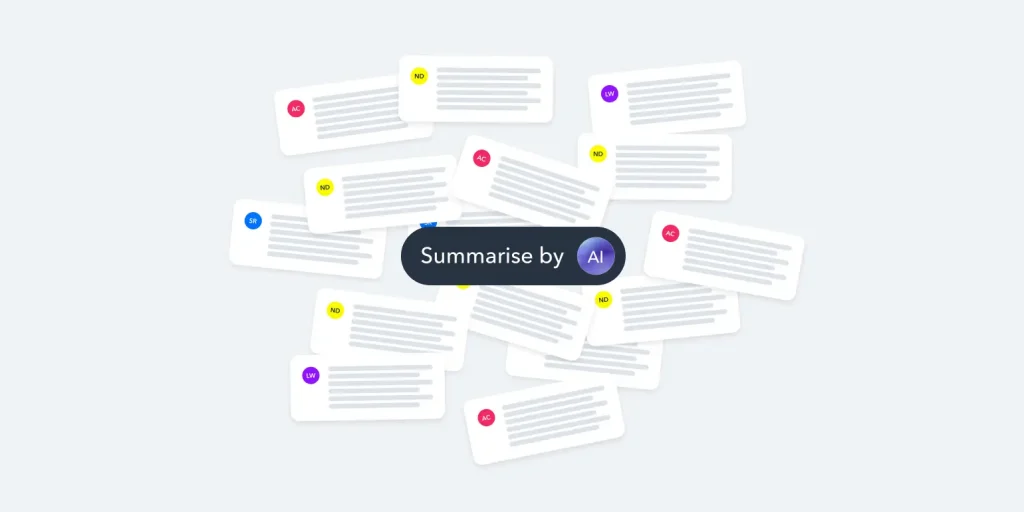
User research is the foundation of good UX, but let’s face it, it’s traditionally slow and resource-heavy. You’d have to plan, recruit, interview, transcribe, analyse, and finally distill findings. But now, AI helps you get there quicker.
AI-powered platforms like Otter.ai and Userbrain can transcribe interviews in real-time, capture sentiment, and tag keywords – all automatically. Where it once took a week to extract key pain points, AI can get you there in a morning.
AI tools like UXtweak and UX Pilot aggregate data from analytics, surveys, and customer support tickets to create and update personas. These reflect real user behaviour trends, helping you prioritise problems and focus design efforts.
Example:
Imagine launching a SaaS app and seeing a sudden drop-off at the onboarding screen. Instead of sifting through hundreds of session recordings, an AI tool highlights recurring confusion about a UI element – flagging the issue within hours.
Traditionally, prototyping new concepts meant long hours in Figma, Sketch, or even by hand. That’s changing – fast.
AI tools like Galileo or Uizard can instantly generate multiple iterations of a page or feature, adjusting layouts, fonts, colours, and content based on your preferences. Over time, these tools get smarter and more tailored to your style.
Tools like Figma’s AI plugins, Anima, or UX Pilot can convert sketches or static files into working HTML, CSS, or even React components. This doesn’t eliminate refinement but drastically reduces time-to-market.
Example:
You sketch a dashboard on your tablet, submit it to an AI tool, and in seconds it’s an interactive, clickable prototype – complete with real data.
Testing design hypotheses and auditing usability are both critical – and both tedious when done manually. AI can help here dramatically.
Platforms like Google’s Lighthouse, or Userbrain use AI to analyse your product for accessibility issues, poor colour contrast, broken links, and more. Detailed reports are generated in minutes, saving you hours of manual work.
AI enables unmoderated tests deployed to hundreds of users worldwide, with results analysed instantly. Some tools even simulate users, navigating your site as a real person would and flagging issues.
Example:
A travel startup runs a new mobile check-in flow. Within 24 hours, AI testing identifies a drop in conversions at the payment stage due to confusing button language. The team iterates immediately.
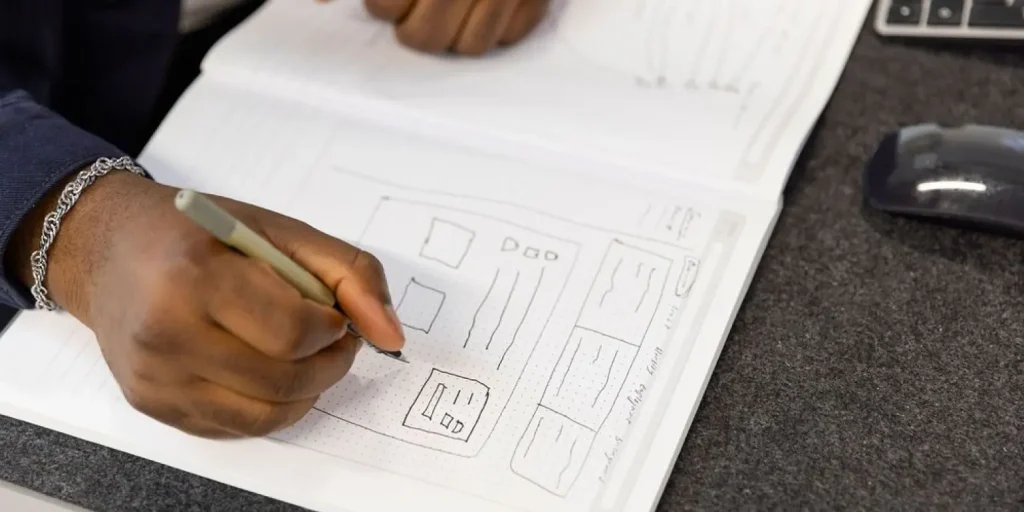
AI isn’t going to invent an innovative user flow or empathise with your audience’s needs. It provides raw proposals and shortcuts, but you still shape the vision. AI learns from the past, whereas true creativity is about challenging norms and responding to evolving user needs.
How to make the most of AI in UX:
Tip: Pair AI-generated prototypes with in-person brainstorming to balance speed with creativity.
The best designers will use AI to amplify creativity, empathy, and strategy. Start small: integrate one AI tool into each phase of your process, experiment, and adapt.
AI is here to enhance UX design, not replace it. Faster research, smarter prototypes, and efficient testing free up time for real creativity and strategy. Let AI handle the routine while you focus on shaping the vision.
At Intrface, we’re not just curious about AI – we’re embracing it. This means faster turnarounds and harnessing collective intelligence to deliver unparalleled results for our clients.
Want to see how? Let’s chat – book a 15-minute call.
Next
28th Sep 2025